
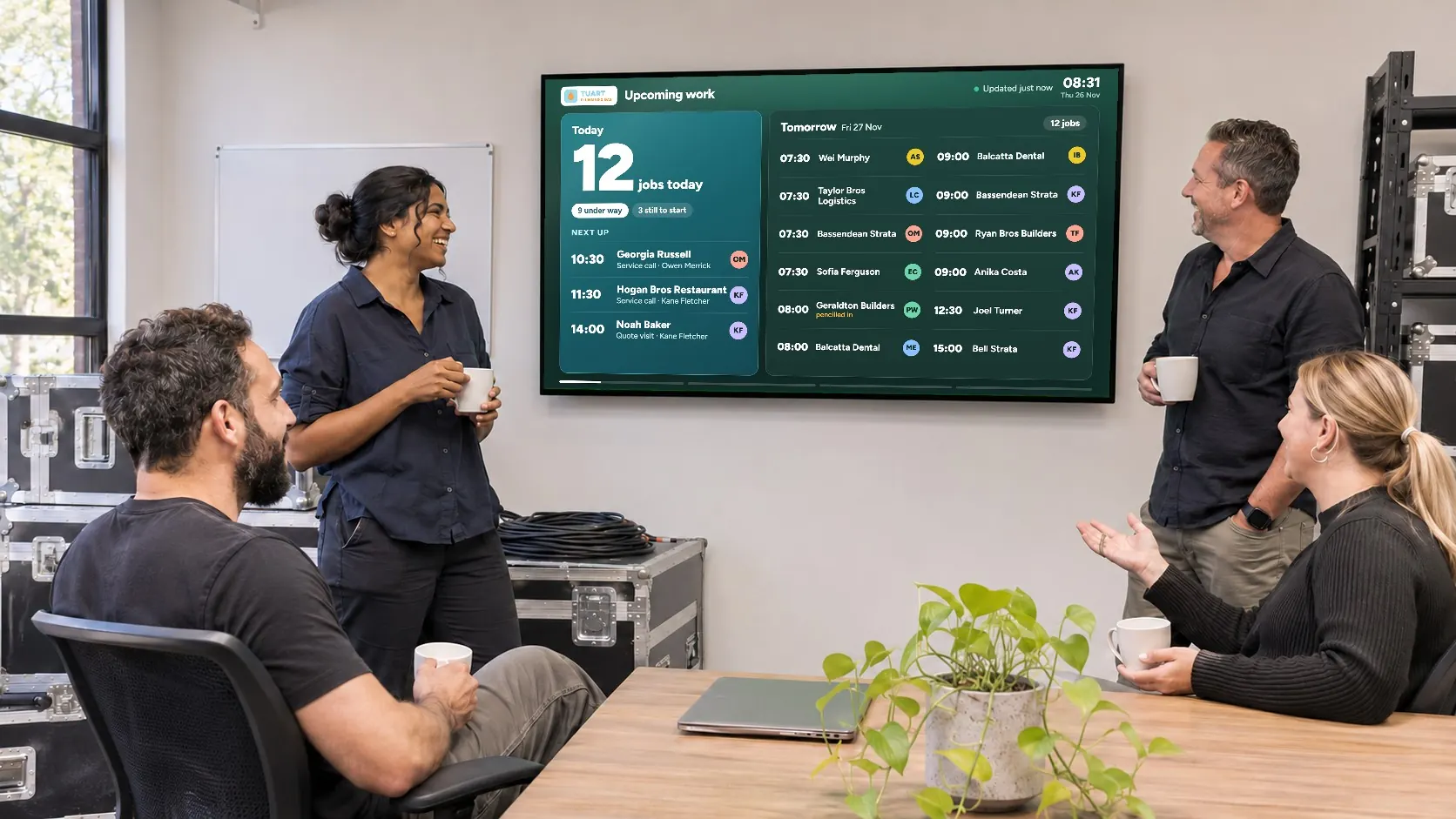
Today's jobs, up on the wall.
Put today's jobs, tomorrow's run and your best job photos on any TV in the business. It plays from the Work you already use, so nobody has to update it.
Included in every Work plan. Any number of TVs, no fee per screen.
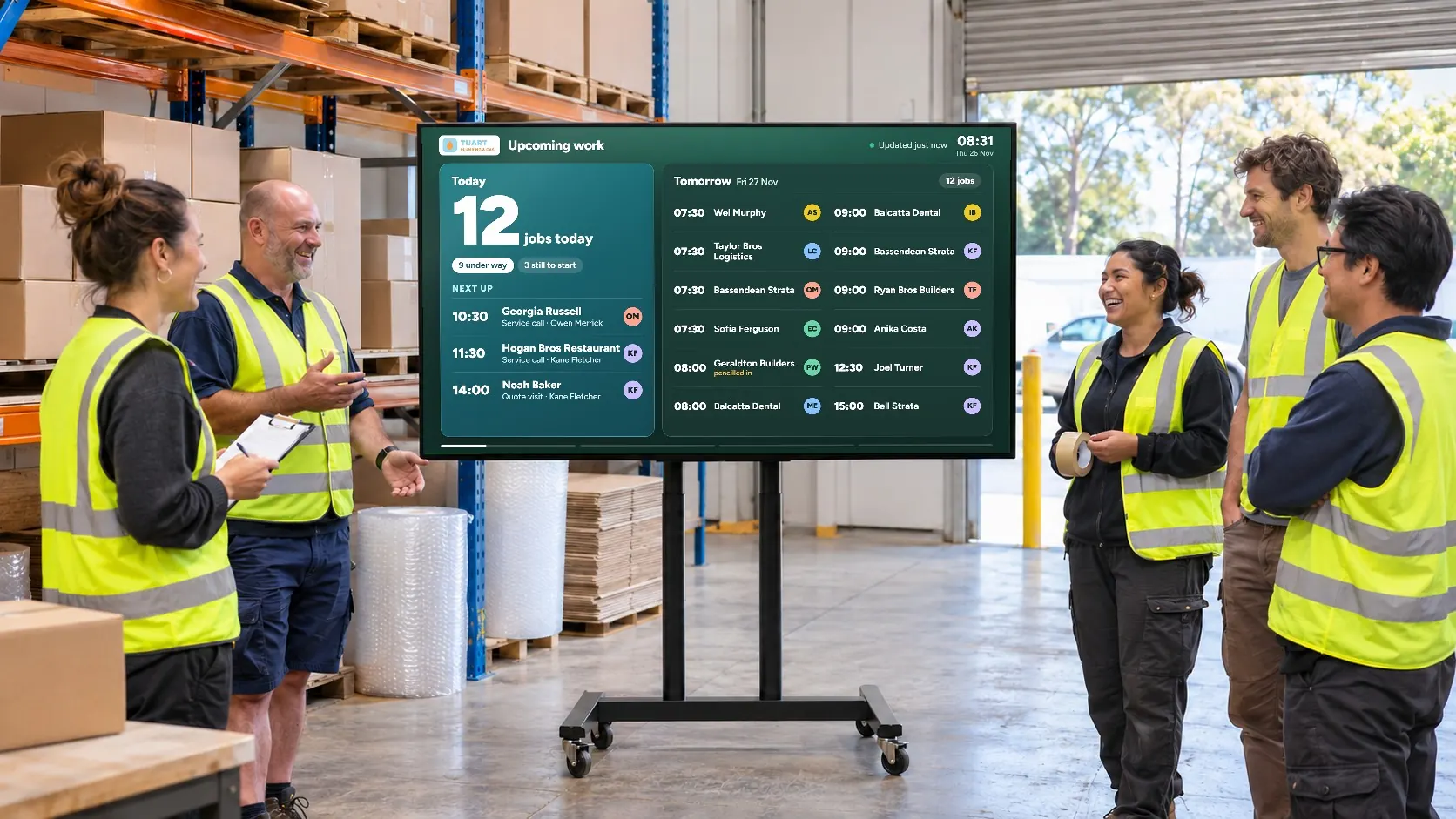
One TV in the yard. Or one in every room.
Each TV plays what that room needs. Add as many as you like: every TV is included.
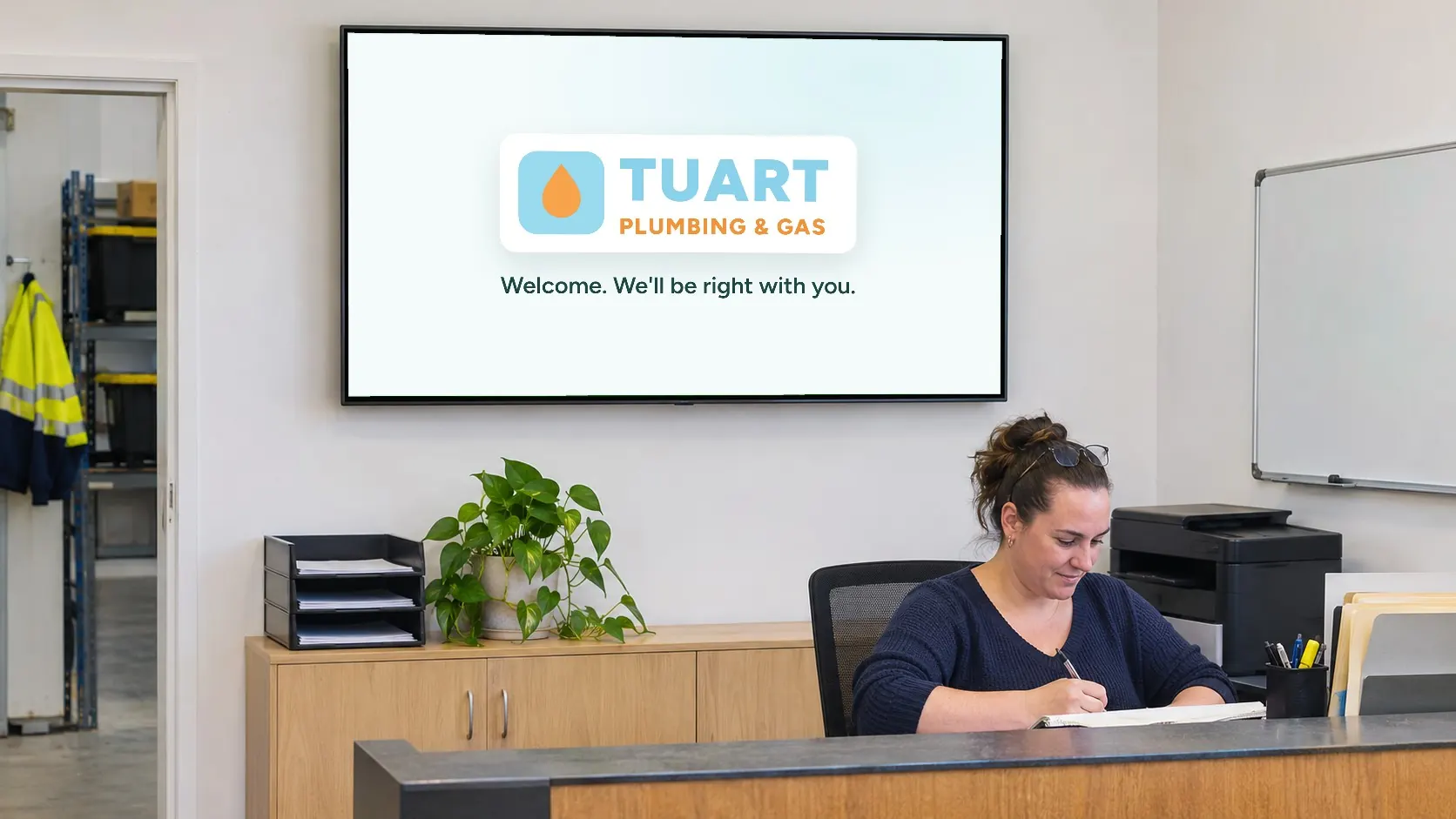
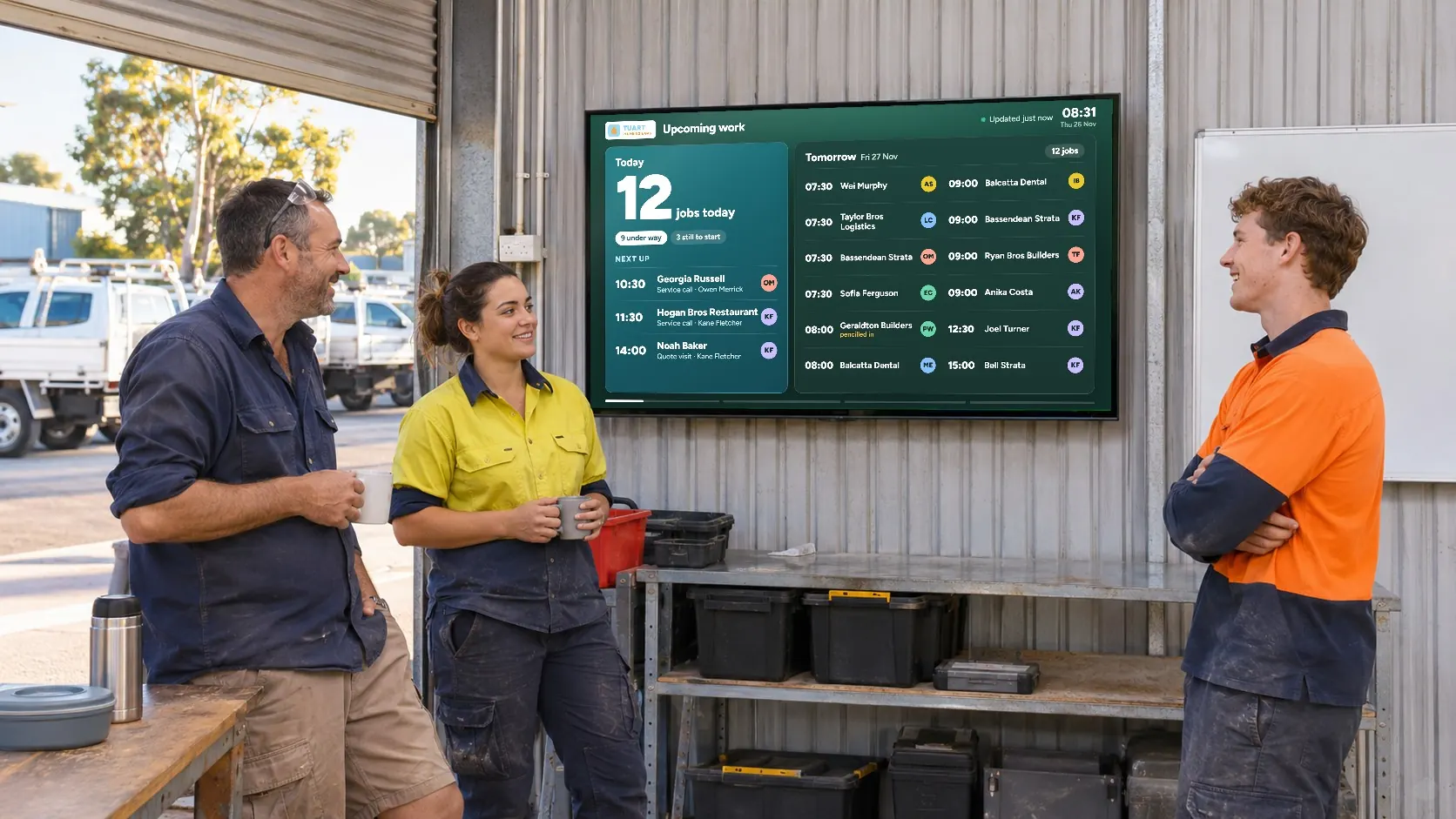
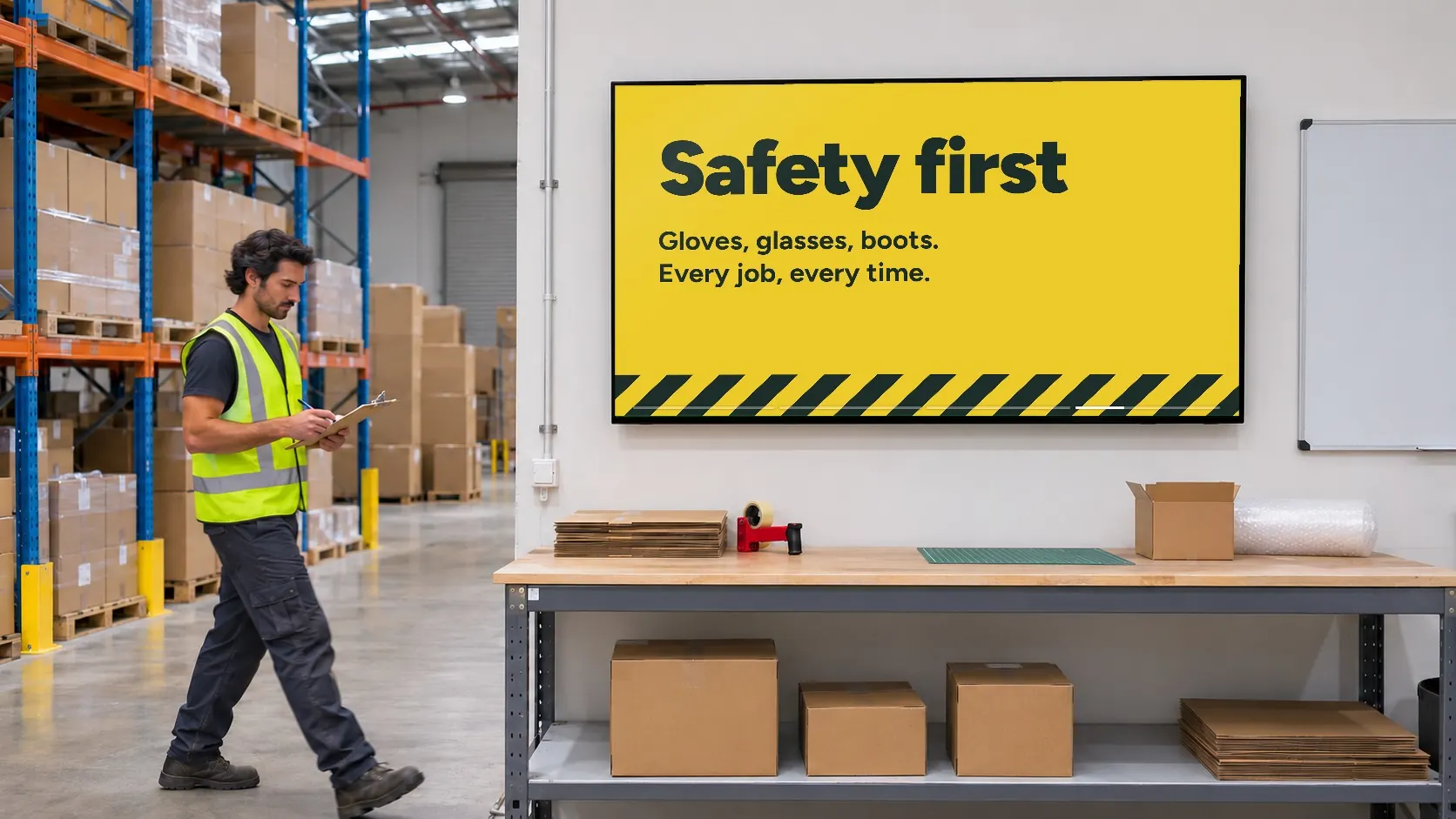
Your jobs and your photos, in one loop.
Start with a ready-made layout like Upcoming work. Mix in photos and videos from your Media library. The jobs stay live; the photos are yours.
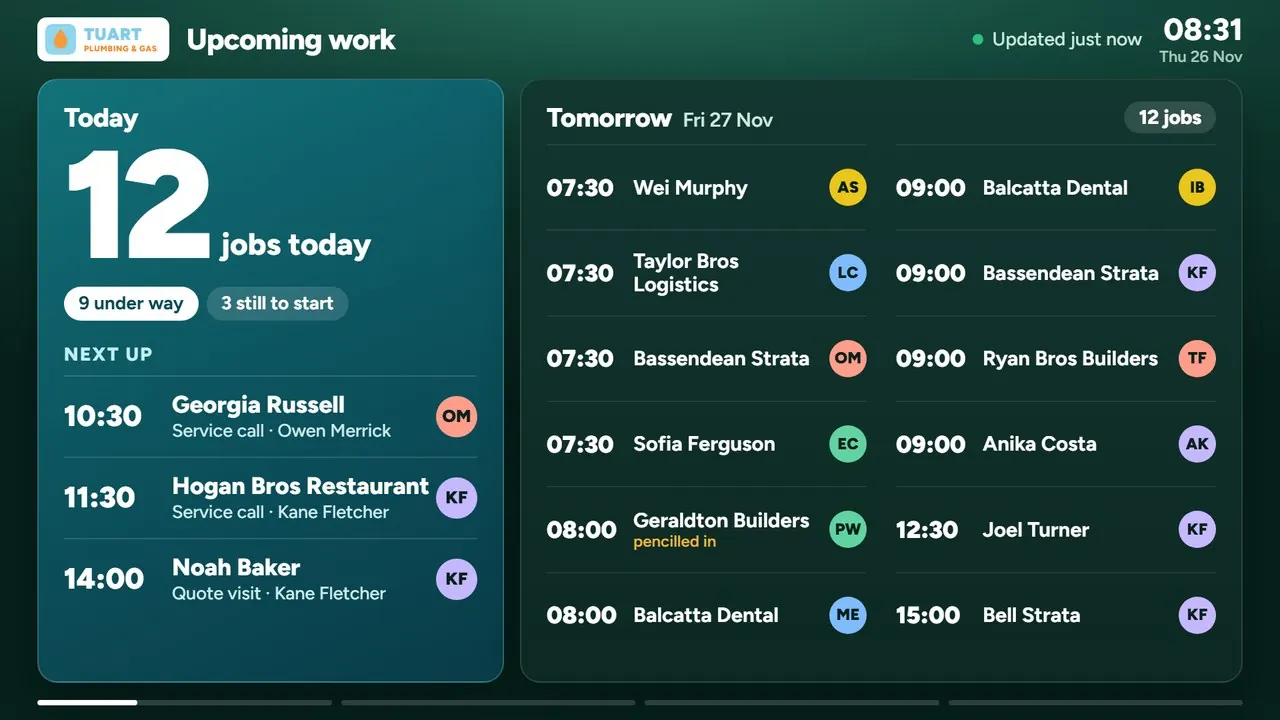
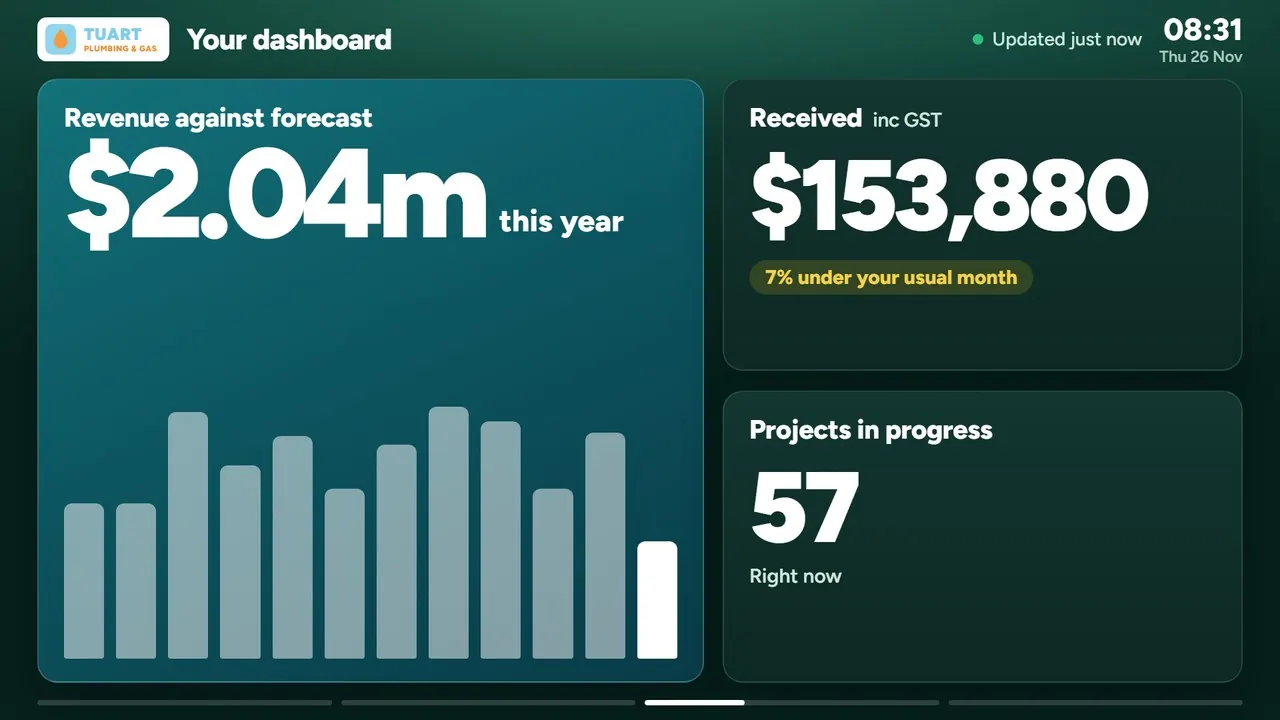
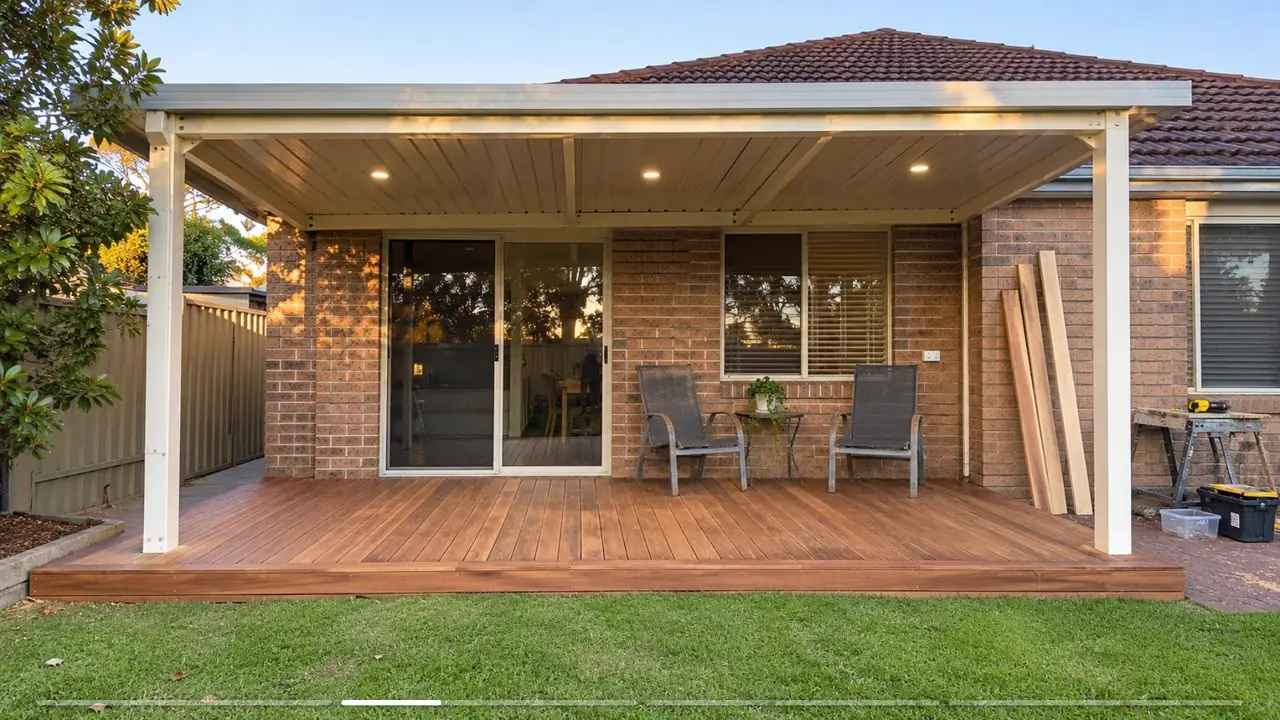

Build the loop in a minute.
EasyDone TV is its own item in Work's menu. Pick your layouts, add photos, drag them into order and set how long each one shows.
Morning start at six. The BBQ on Friday.
Say what plays when, for one TV or a group of them. The rest of the time each TV plays its everyday loop.
Three steps. No IT person.
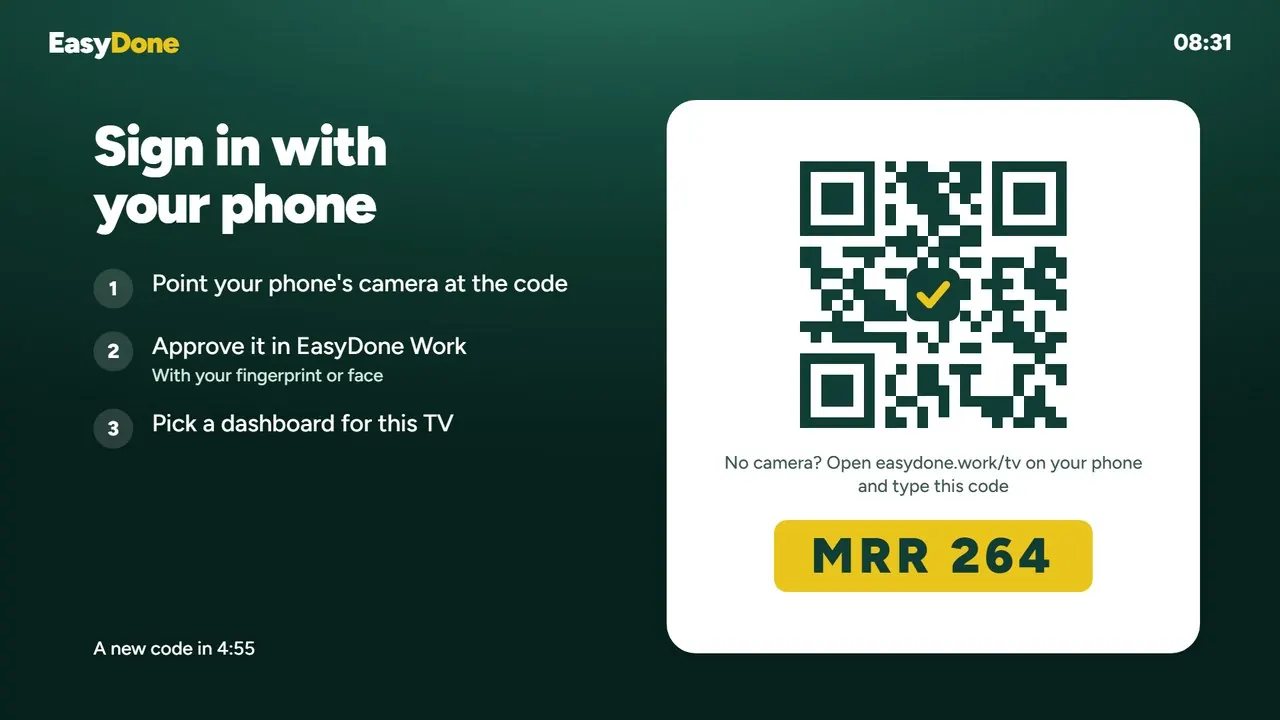
Open EasyDone TV on the TV
It shows a code. Nothing to type with the remote.
Sign in this TV?
Approve it on your phone
Point your camera at the code and press Approve in Work.
Pick what it plays
Choose a playlist. Change it any time from Work.
Asked. Answered.
Is EasyDone TV extra?
No. It's included in every Work plan, for any number of TVs. There's no fee per screen.
What do I need?
A TV or TV box that runs Android TV, on your Wi-Fi. Open the EasyDone TV app and it shows a code. Approve it on your phone and it's yours.
What can it show?
Ready-made layouts like Upcoming work, your own dashboards, and photos and videos from your Media library, mixed in one playlist.
Can different TVs show different things?
Yes. Each TV, or a group of TVs, plays its own playlist, and you can set times for special ones.
Does someone have to keep it up to date?
No. The jobs come live from your Schedule, so the TV changes when the work does.
What can the TV see?
Only the screens you choose to put on it. It can't open the rest of Work, and you can sign a TV out from Work at any time.
Switch it on. Walk away.
- Included in every Work plan
- Any number of TVs, no fee per screen
- Runs itself from the Work you already use
- A real person in Perth when you need one: 1800 98 DONE
See it play your own jobs, then decide.
Or ring our assistant: 1800 98 DONE (1800 983 663)