
A construction quote template you can send today
Word, Excel and PDF, ready for your logo. Scope, items, GST, the deposit and progress payments are already laid out, and the Excel version adds them up for you.
- Word, Excel and PDF
- GST and progress payments worked out
- Inclusions, exclusions and sign-off
Take the template that suits how you work
The same two-page quote in three files. Type over the example job, add your logo, ABN and licence number, and it's ready to send. No sign-up.
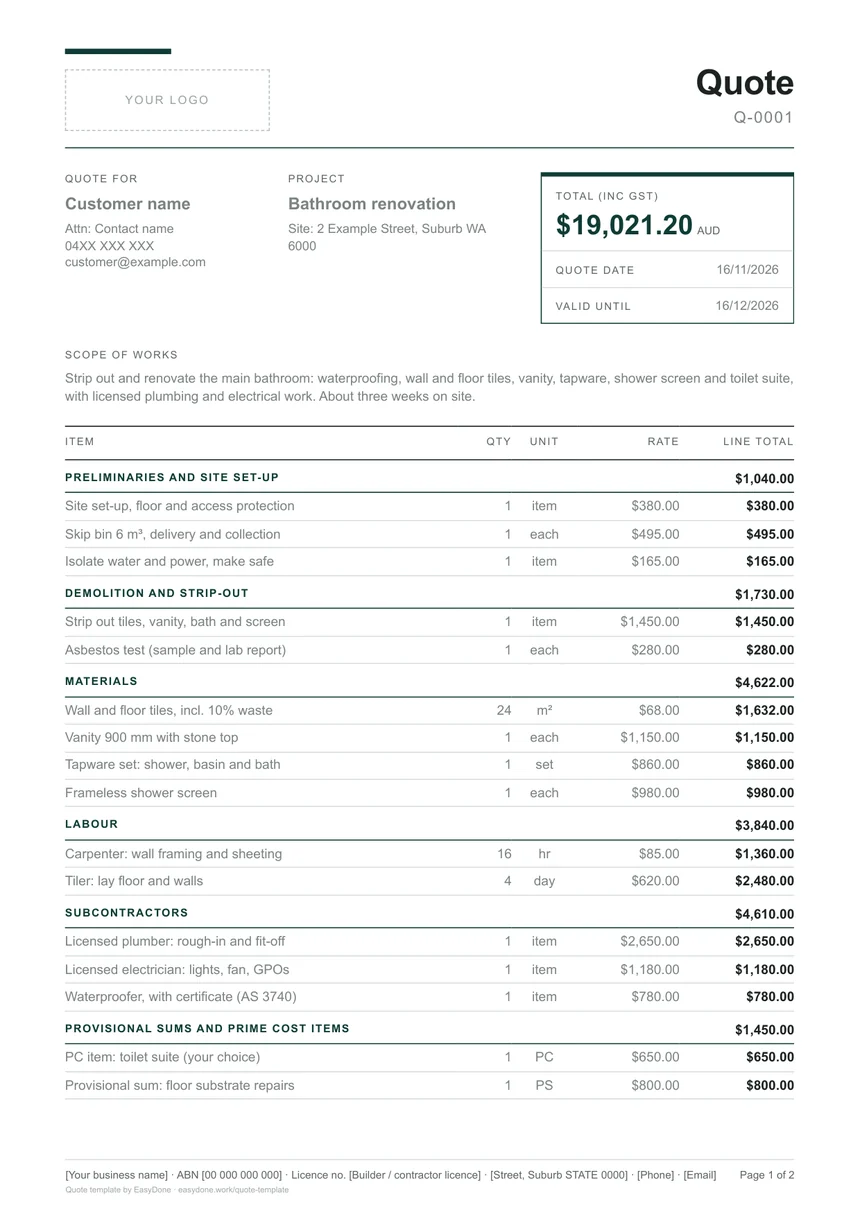
What a construction quote needs, and where it sits
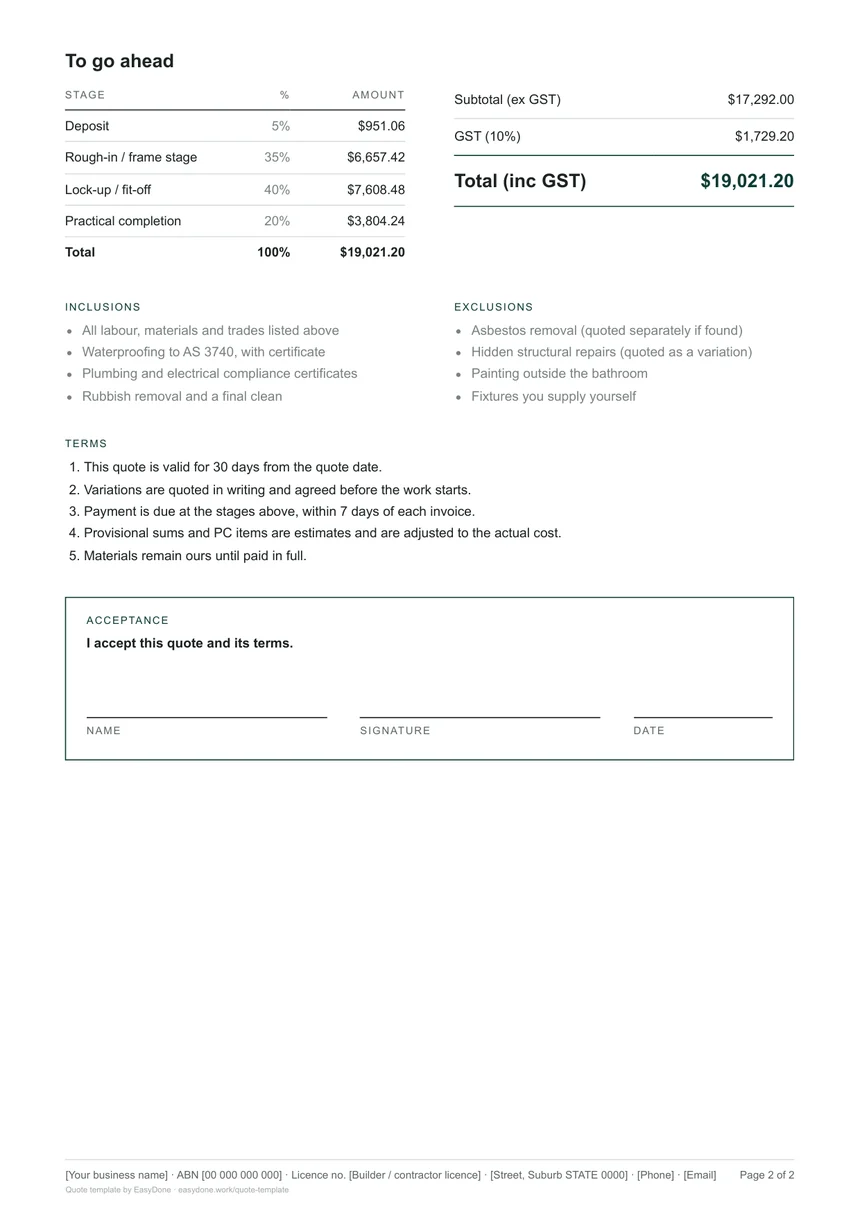
The parts the template makes you fill in every time, and where each one sits on the page.
- Your logo, business, ABN and licence number
At the top and in the footer of every page, so the customer knows exactly who is quoting.
- The customer, the site and the total
Who it is for, where the work is, the total including GST, the quote date and how long it stands.
- Scope of works in plain words
A short paragraph that says what you'll do. Write it so the customer could read it back to you.
- Items grouped by stage
Preliminaries, demolition, materials, labour, subcontractors, and provisional sums and PC items, each with its own subtotal.
- Subtotal, GST and total
The price before GST, the GST and the total, so there's no surprise on the invoice.
- Deposit and progress payments
What's due to book the job and at each stage, worked out from the total.
- Inclusions and exclusions
What's in and what's out. Most arguments about a job start here.
- Terms
How long the quote stands, how variations work, when payment is due.
- Acceptance
A place for the customer's name, signature and date, so a yes is a yes.
Your quote, in any design and any colour
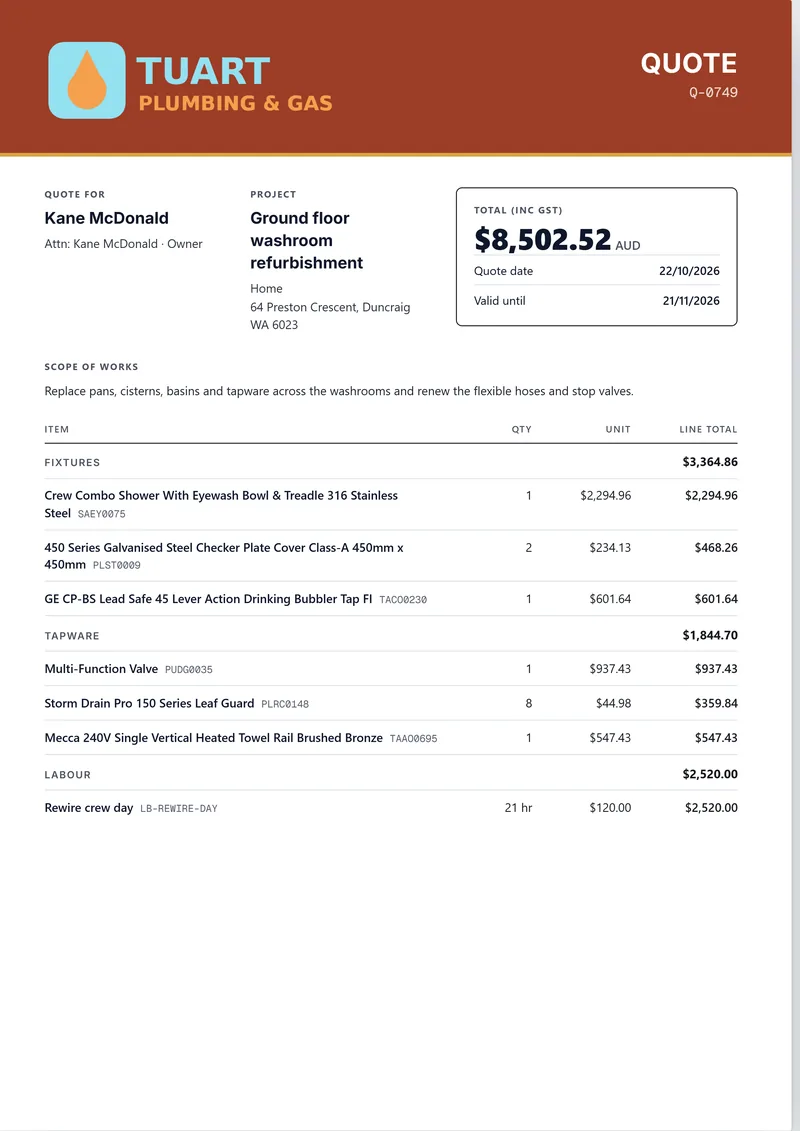
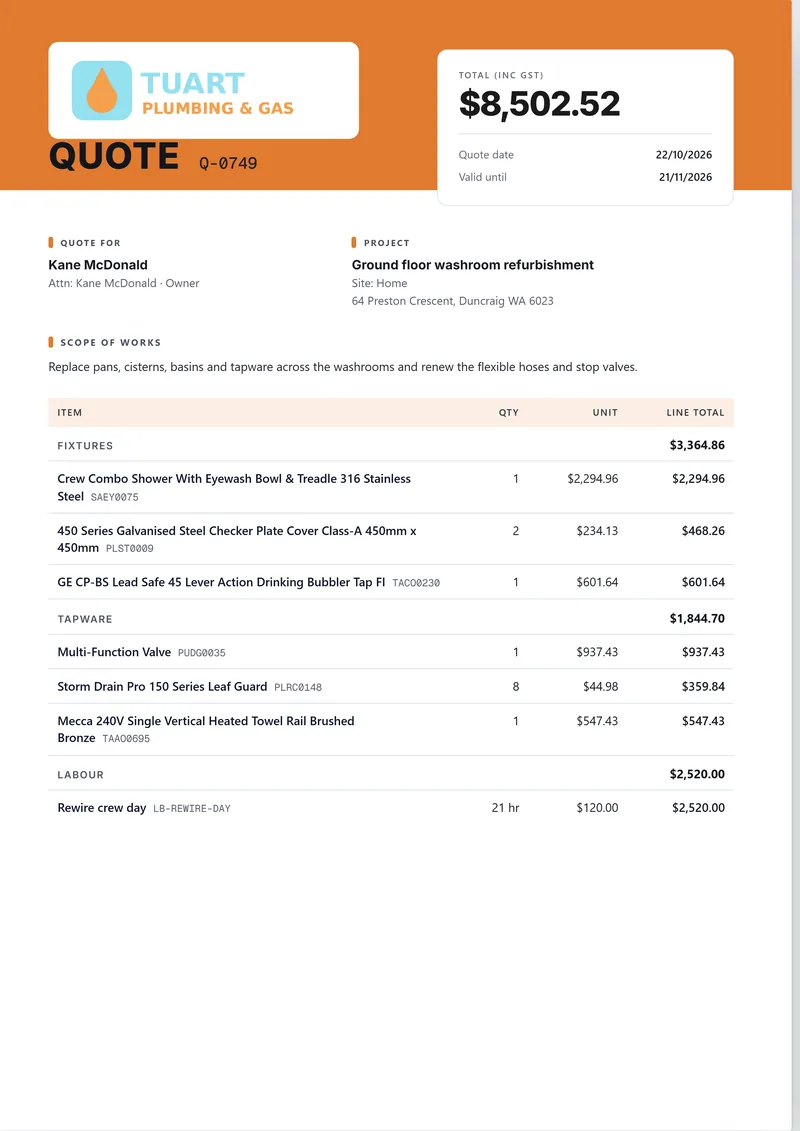
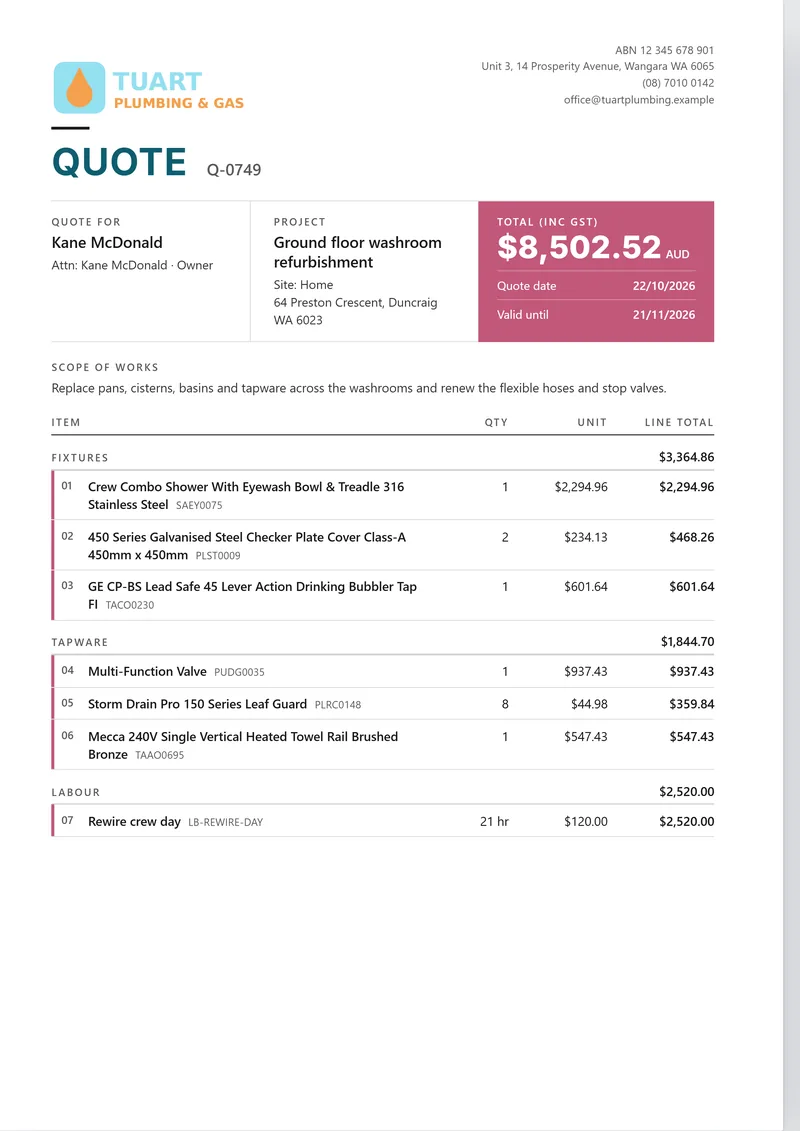
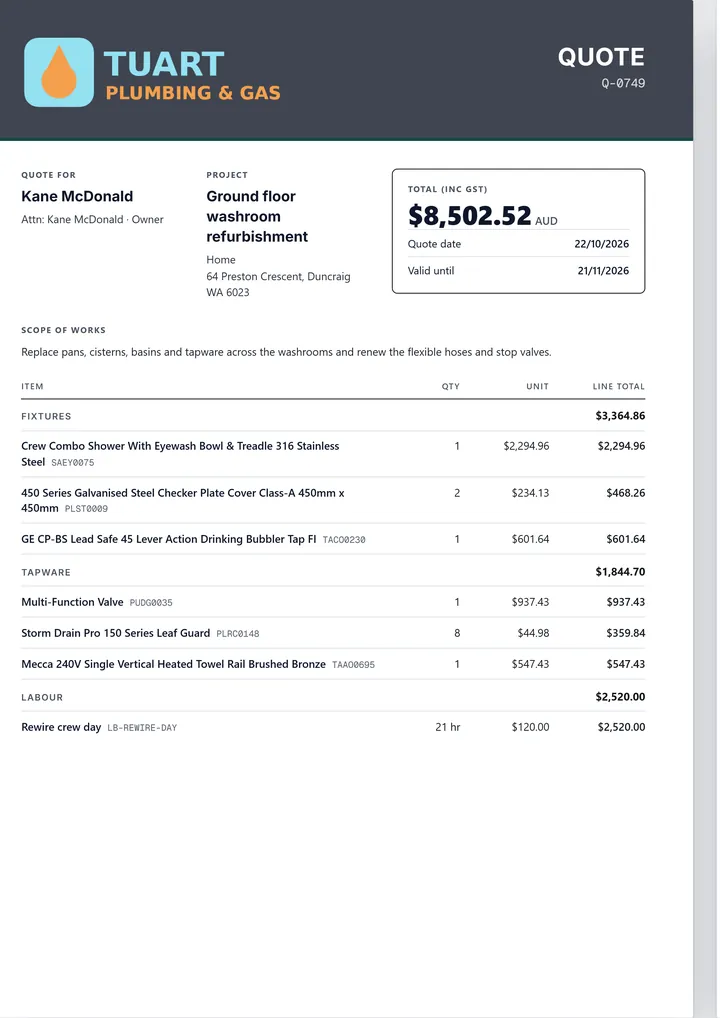
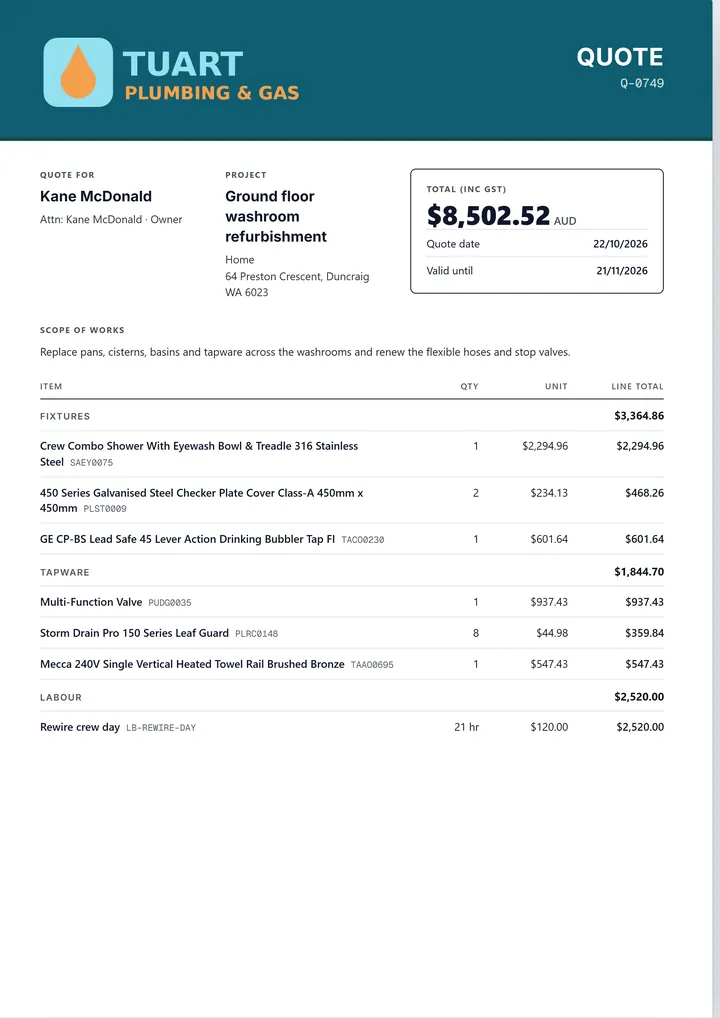
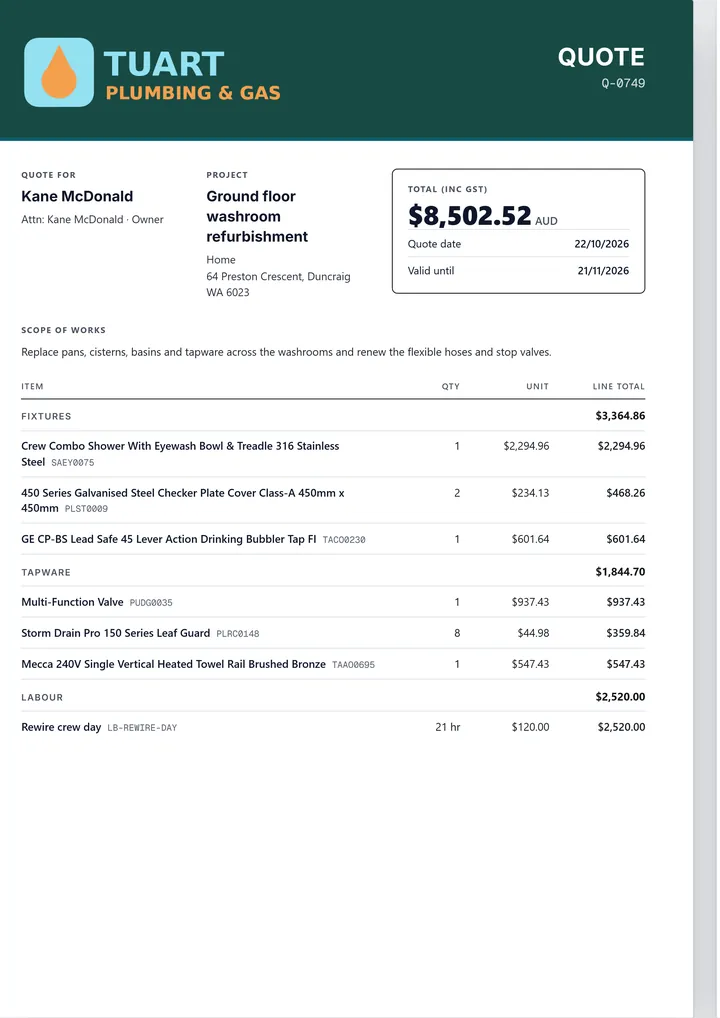
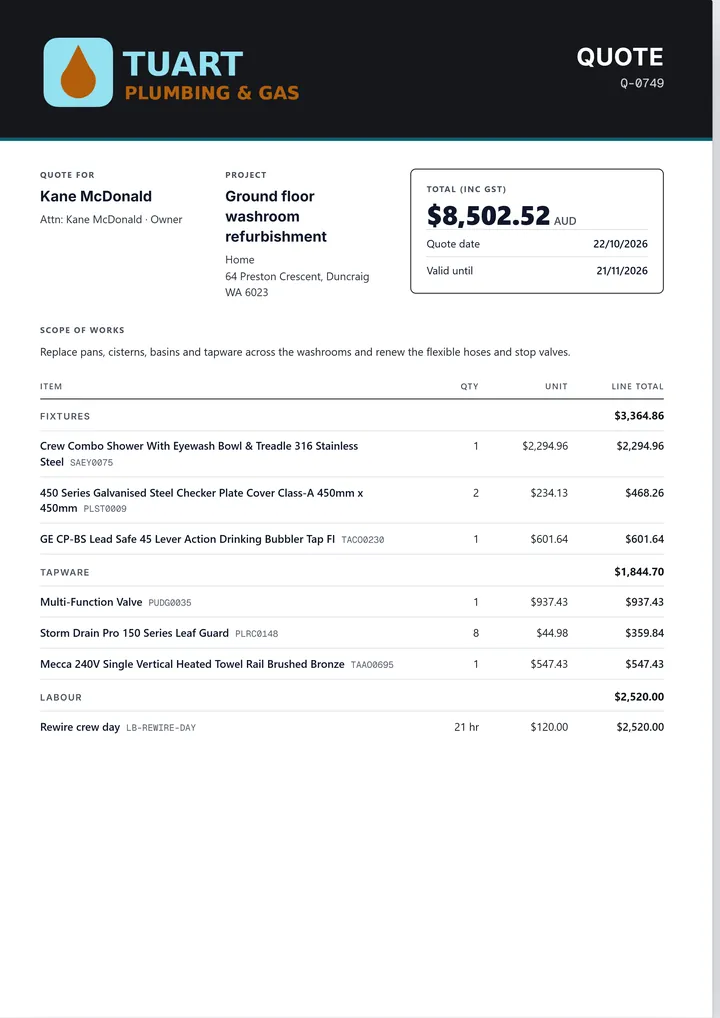
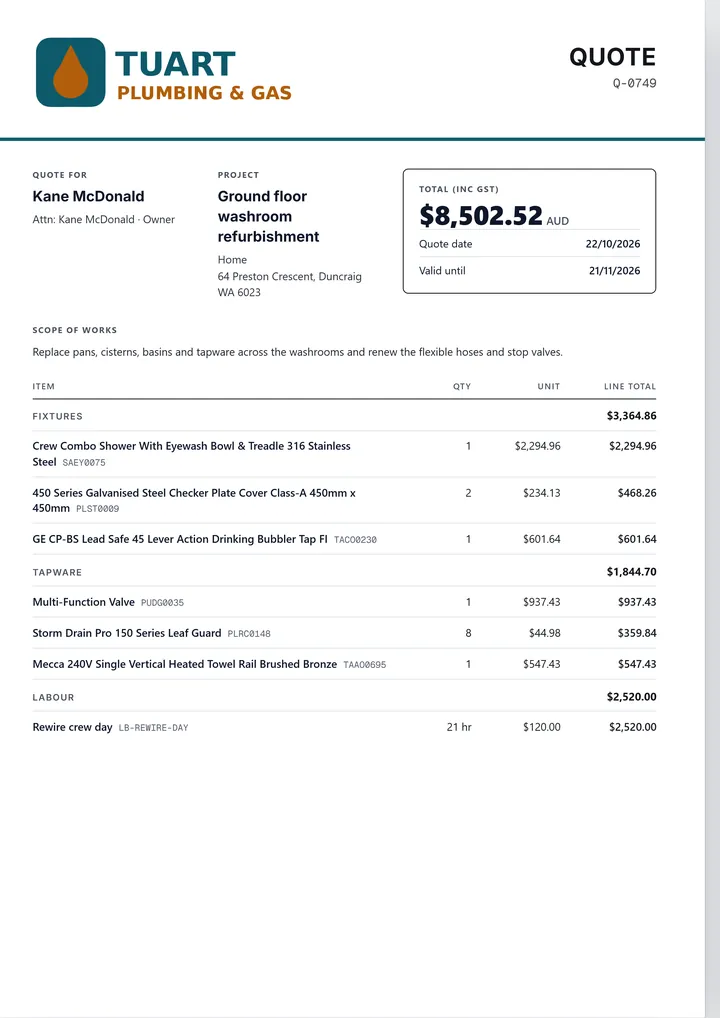
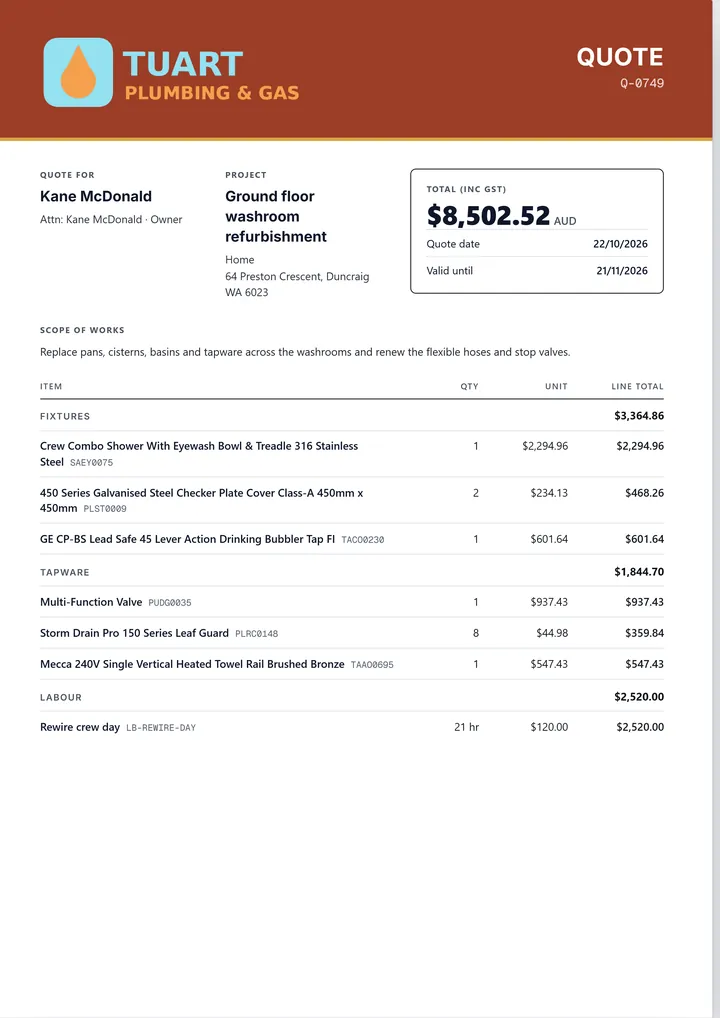
This is the template gallery in EasyDone Work. Pick a design, pick its colours, and the same quote, with your logo, lines and totals, is redrawn. Nothing to retype.
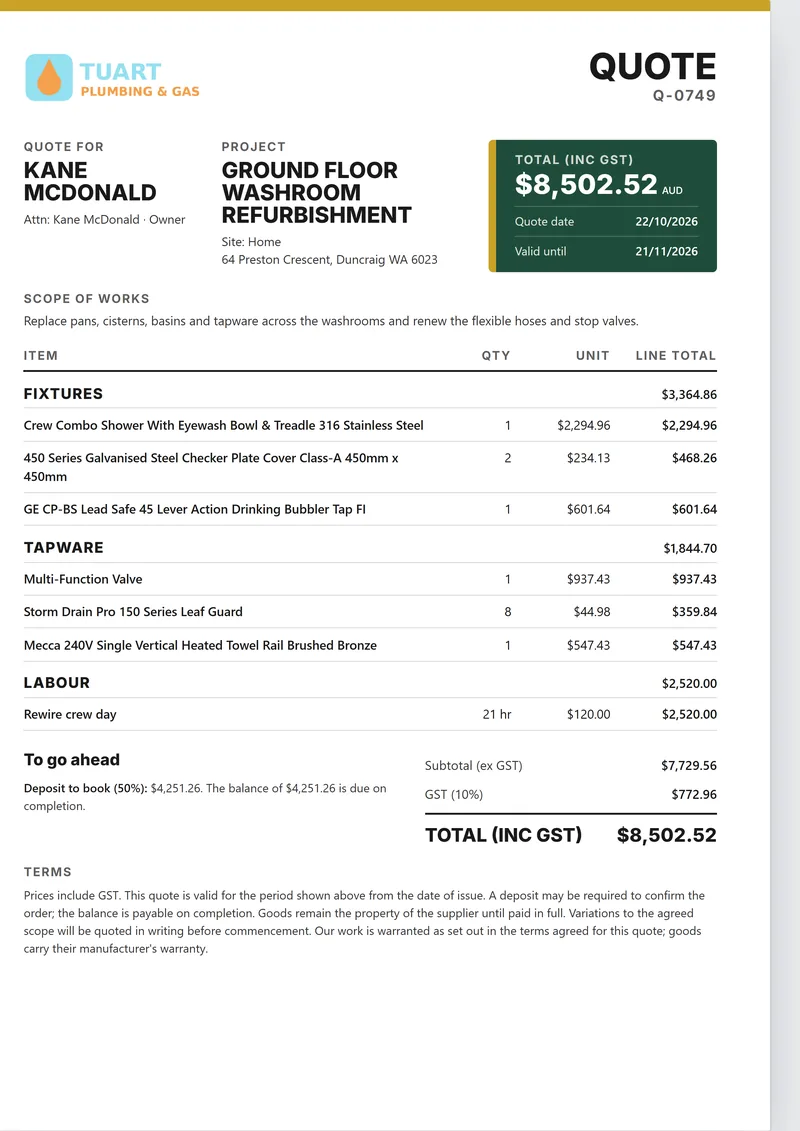
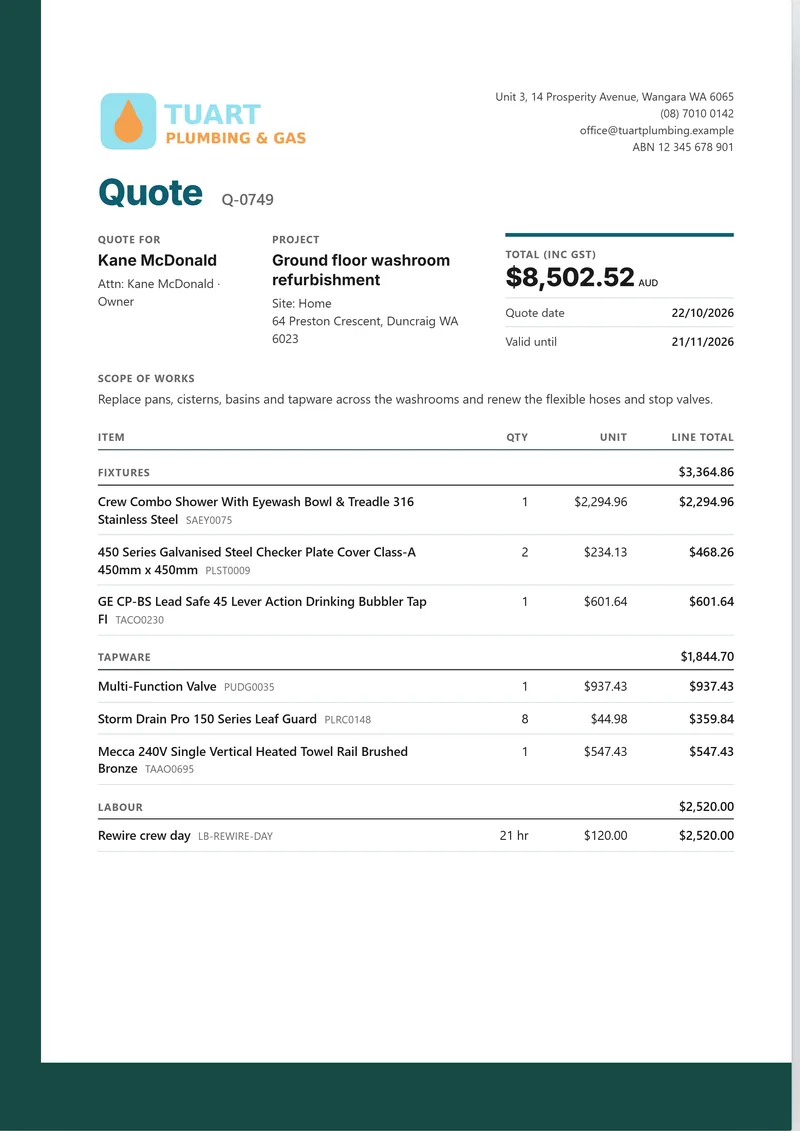
Eleven designs in all, and every one takes your colours. Tuart Plumbing & Gas is a made-up business; every page here is drawn by EasyDone Work itself.
Pick its colours without leaving the quote
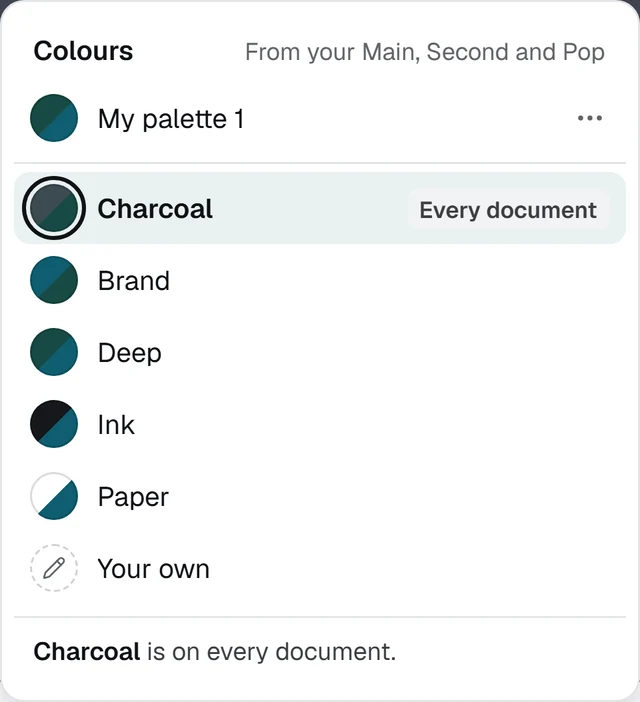
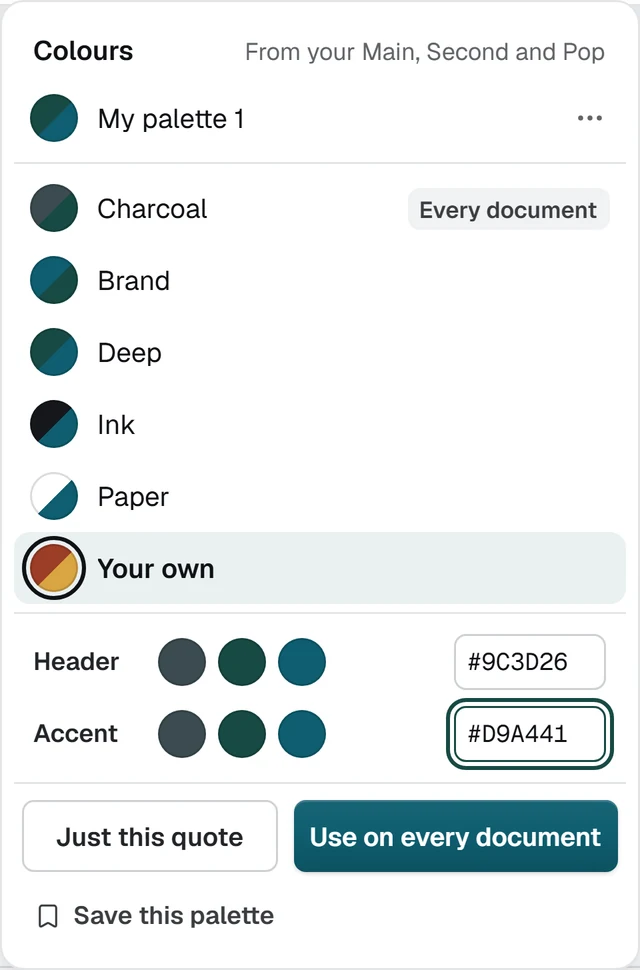
In EasyDone Work the Colours button sits beside the template on the quote's live preview. The palettes come from your own Main, Second and Pop colours, or type your own, and the preview changes as you try each one.
- Keep it for just this quote, or use it on every document
- Save a palette and it sits at the top, ready for the next quote
- The PDF and the emailed quote match what you see
The real Colours menu and quote from EasyDone Work, for the made-up Tuart Plumbing & Gas.

Bigger job? Send a proposal
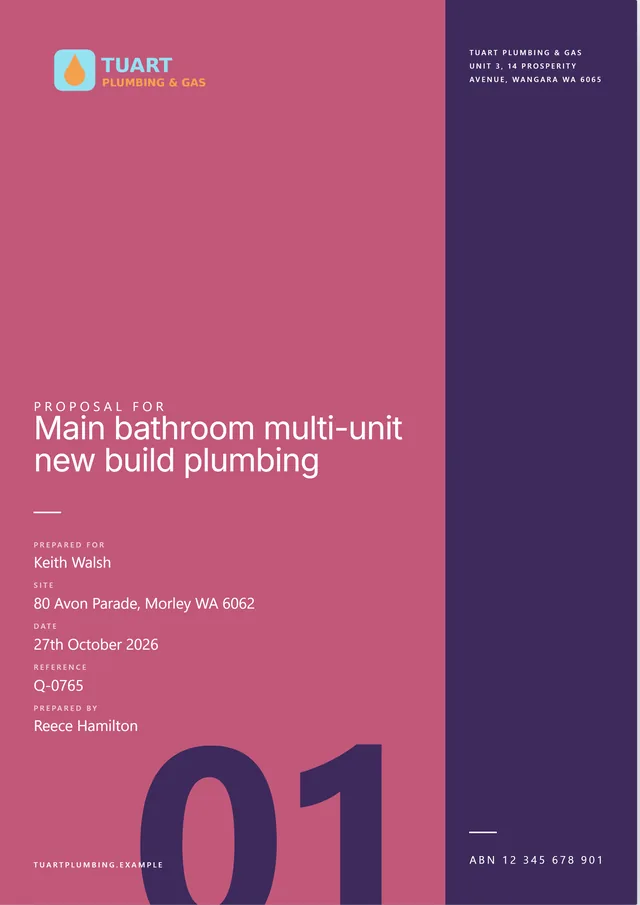
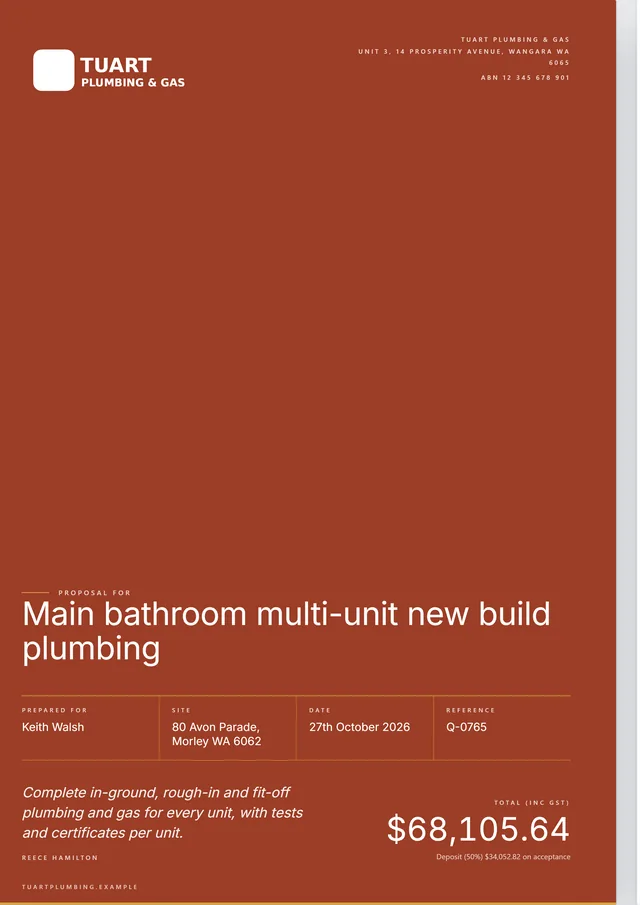
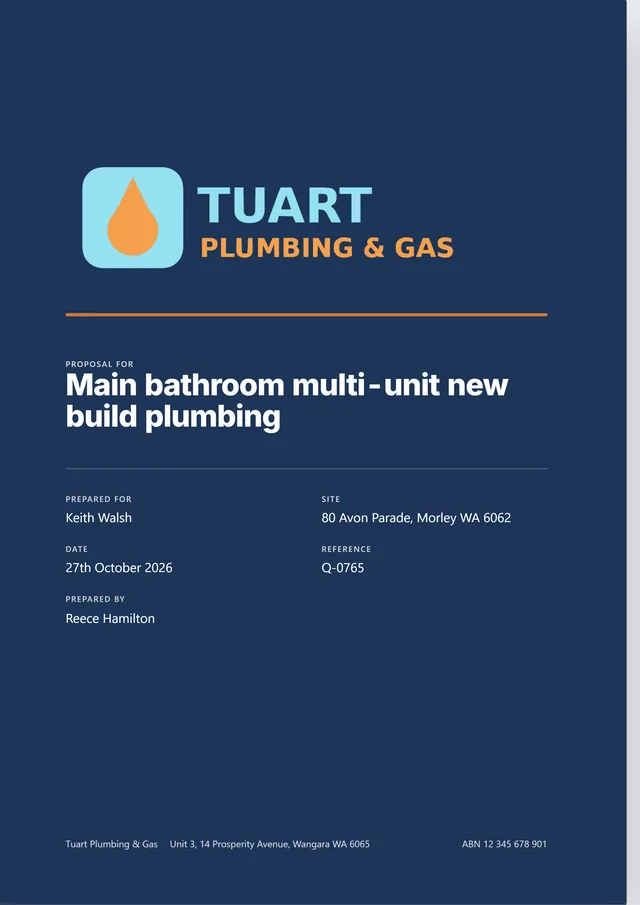
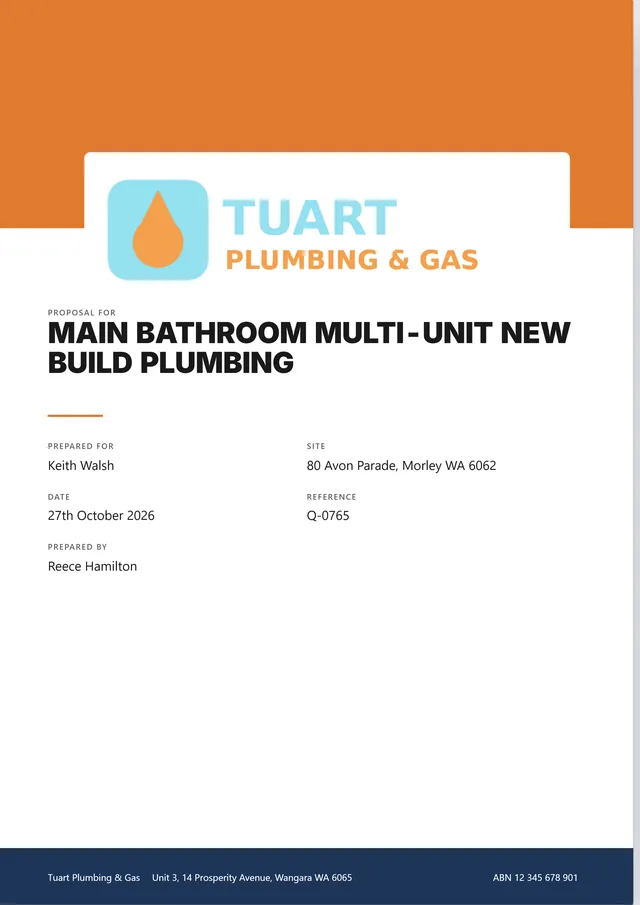
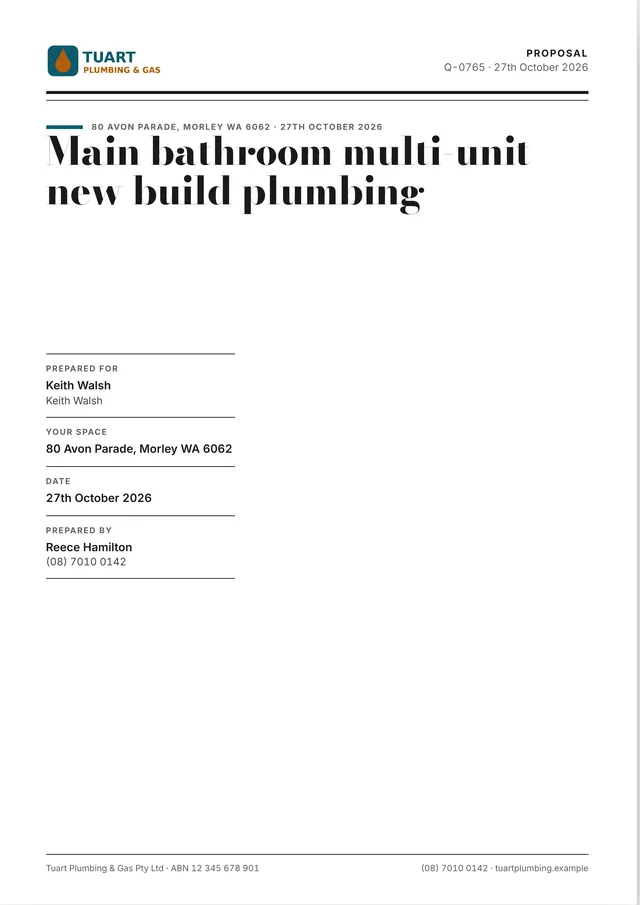
The same job can go out as a proposal: a cover, one option to a page with its specs and what's included, then one page that puts them side by side. It uses your logo and colours, in the proposal look you pick.
- Your customer picks one and signs before you leave
- Or they open it, pick one and sign with a finger
From quote to invoice without starting again
A Word or Excel quote works. The trouble comes later: the quote sits in one file, the schedule in another and the invoice in a third, and someone retypes the lot.
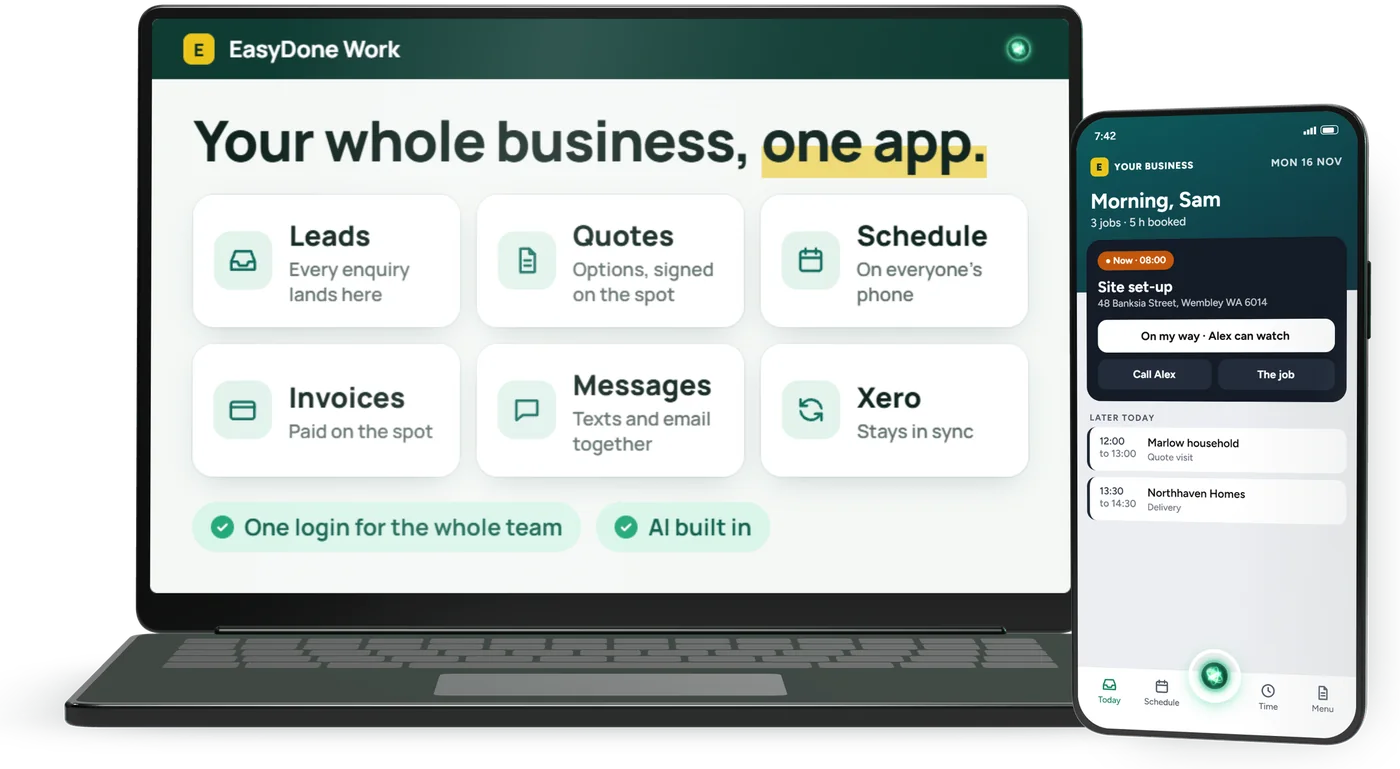
In EasyDone the quote you send becomes the job and then the invoice, with the same lines and prices. Leads, quotes, scheduling, timesheets, invoicing and accounting sit in one place.
Construction quote template questions
Is this construction quote template free?
Yes. Download it in Word, Excel or PDF and use it for as many jobs as you like. There's nothing to sign up for.
What should a construction quote include?
Your business details, ABN and licence number; the customer and the site; the scope of works in plain words; the items, quantities and rates; what's included and what isn't; the subtotal, GST and total; the deposit and progress payments; how long the quote stands; and a place for the customer to accept it.
Can I use the template in Google Sheets?
Yes. In Google Sheets choose File, then Import, and upload the Excel file. The totals, GST and payment stages keep adding up.
How do I show GST on a quote?
If you're registered for GST, show the price before GST, the GST and the total including GST, the way the template does. The Excel version works the GST out for you.
How do I turn a quote into an invoice?
Once the customer says yes, the quote becomes the invoice. In EasyDone both live in the same place, so you don't retype the job.
Stop retyping your quotes
See how EasyDone handles quotes, scheduling and invoicing in one place, built for trades and service businesses.